Documentation
Download & Extract
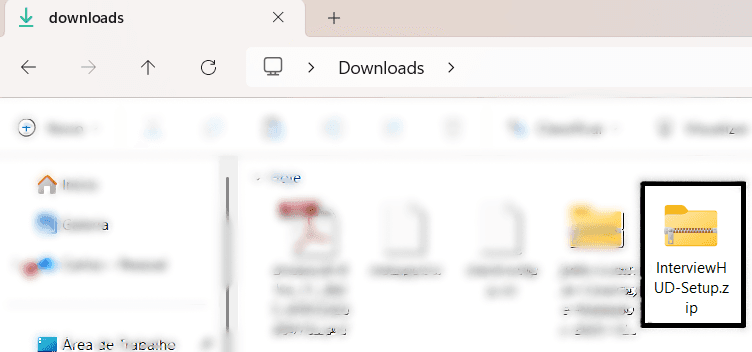
After purchasing, you will receive a .zip file. Locate it in your Downloads folder and extract it (Right-click > Extract All).
Run the Application
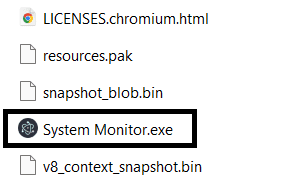
Open the extracted folder and double-click on System Monitor.exe (or InterviewHUD.exe) to start the application.
Note: If Windows SmartScreen prevents startup, click "More Info" then "Run Anyway". This happens because we do not pay for an Expensive Microsoft Certificate.
Activate License
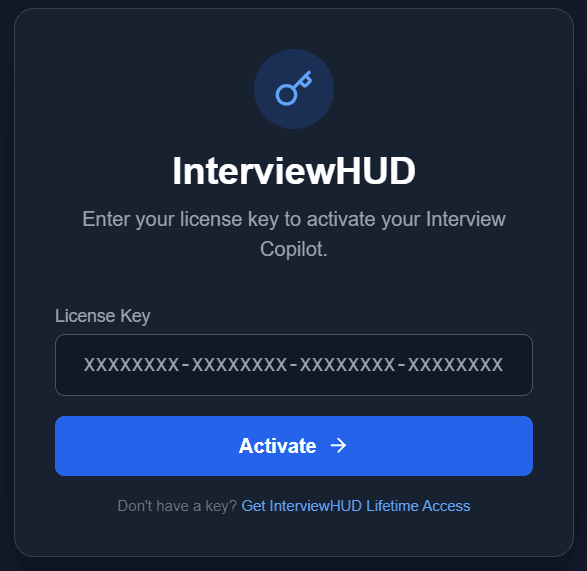
Enter the License Key you received in your email to activate the product.
Didn't receive your key? Check spam or contact support@interviewhud.com
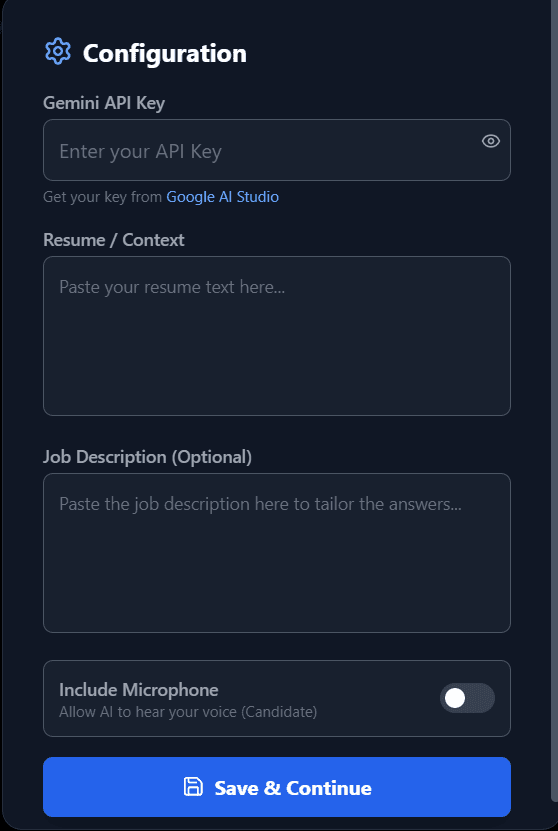
Configure Settings
Click the gear icon to open Settings. Paste your Google Gemini API Key and your Resume text here.
Important: You must enable Billing on your Google Cloud Project (even for the free tier) to use the Gemini Live API. Otherwise, the connection will default to a fallback model or fail.
Ready to Interview
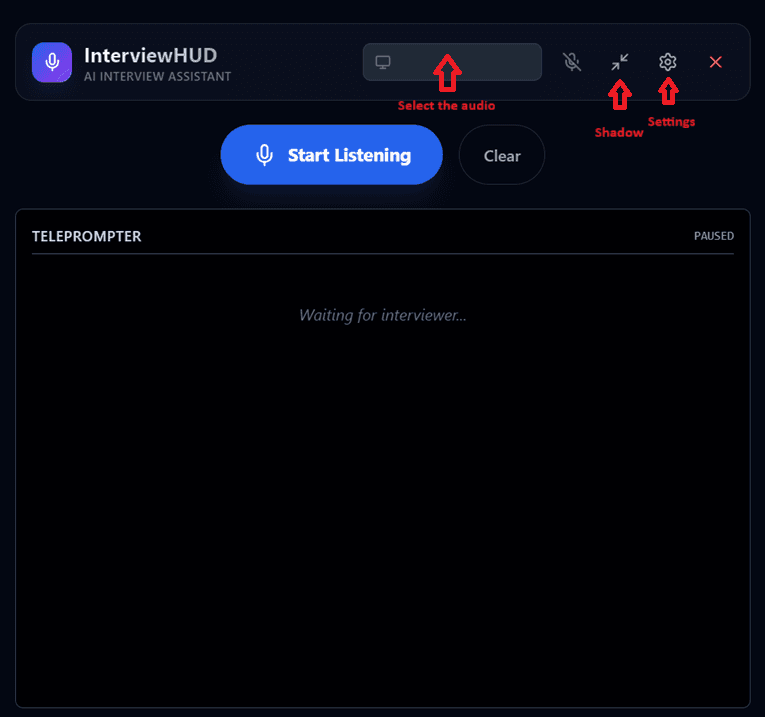
The main dashboard gives you quick controls. Toggle the microphone to start listening. The AI suggestions will appear in the teleprompter window.